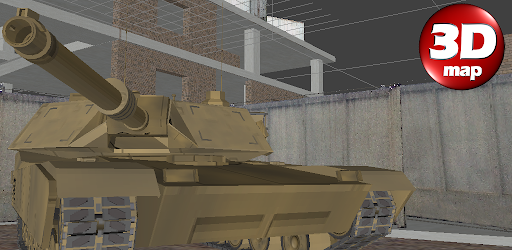

3DMap. Constructor
Last update -----
Скачать позже
Найти все материалы
Нужен мод
Нужен оригинал Пожаловаться
Overview Authors 0
Discussion 0
3D level editor and game testing tool
3DMap is a versatile application designed for phones and tablets that allows you to develop and test game locations with ease. Whether you're a game developer or a hobbyist, this tool provides a comprehensive environment to bring your ideas to life.
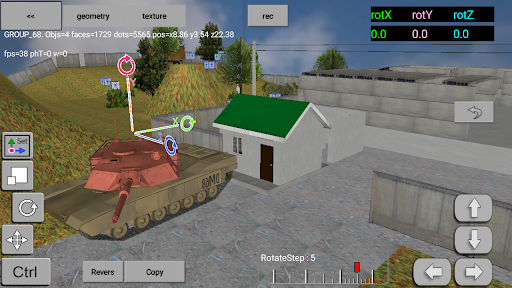
With 3DMap, you can create detailed maps, arrange enemies, and fine-tune collision physics to ensure your game world behaves exactly as you envision. The intuitive interface makes it simple to place objects and adjust parameters, giving you full control over your level design.
Once your map is ready, switch to game mode to explore it firsthand. Walk around the world you've built, equip your hero with weapons, and engage in shooting enemies. You can run, jump, collect items, open doors, teleport, and much more, experiencing your creation from a player's perspective.
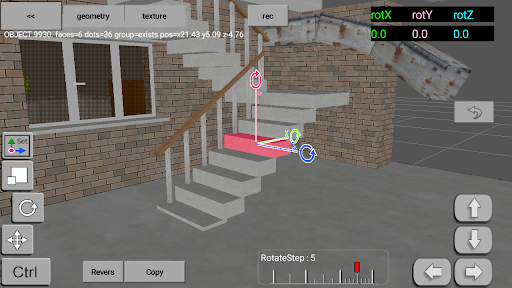
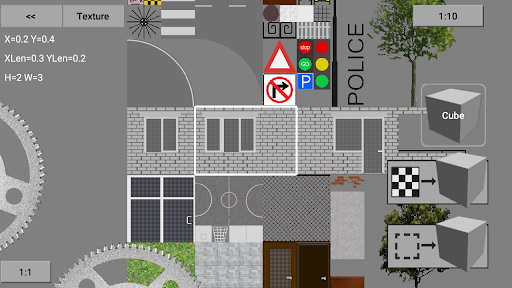
The app also supports the creation and editing of simple 3D objects, and you can import third-party OBJ files and apply PNG textures with transparency to enhance visual fidelity. When you're satisfied, export your finished world in OBJ format with normal and texture coordinates for further processing or even 3D printing.
With 3DMap, you can create detailed maps, arrange enemies, and fine-tune collision physics to ensure your game world behaves exactly as you envision. The intuitive interface makes it simple to place objects and adjust parameters, giving you full control over your level design.
Once your map is ready, switch to game mode to explore it firsthand. Walk around the world you've built, equip your hero with weapons, and engage in shooting enemies. You can run, jump, collect items, open doors, teleport, and much more, experiencing your creation from a player's perspective.
The app also supports the creation and editing of simple 3D objects, and you can import third-party OBJ files and apply PNG textures with transparency to enhance visual fidelity. When you're satisfied, export your finished world in OBJ format with normal and texture coordinates for further processing or even 3D printing.
Screenshots
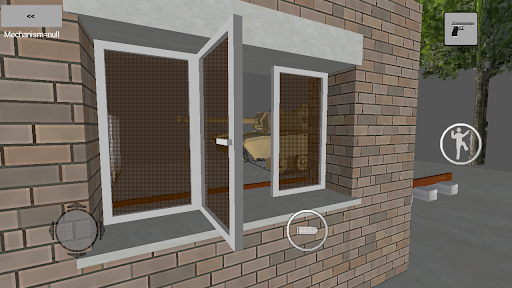
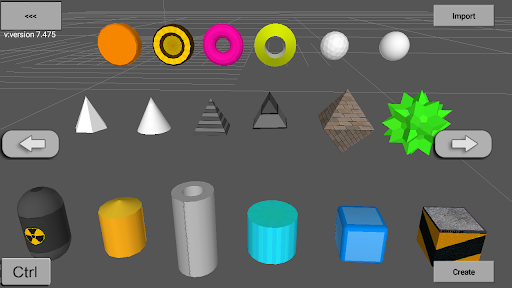
Download 3DMap. Constructor
No builds here yet
No builds yet. Upload yours first and earn from every download — it's easier than you think.

PRO Modder
Bubalex88
165
Builds
11
Subscribers
6
Level

PRO webdev
Shaman[Dev]
77
Builds
8
Subscribers
3
Level

PRO Modder
SliderEXE
13
Builds
0
Subscribers
1
Level
PRO Modder
A.F
4
Builds
0
Subscribers
0
Level

Modder
XaView
1
Builds
0
Subscribers
0
Level

User
JoelDroid
2
Builds
0
Subscribers
0
Level
User
user_908973
2
Builds
0
Subscribers
0
Level
User
Shiro & K
1
Builds
0
Subscribers
0
Level
{%lang-empty-page%}
{%lang-empty-page-text%}
{%lang-empty-page-text-2%}
Tech info
Updated
-----
Version
version 7.899 (7899)
CPU
Minimum Android version
20
Size
27.17 MB
OpenGL
----
Downloads
6.74 K
Developer
3D portable inc.
Views today
1