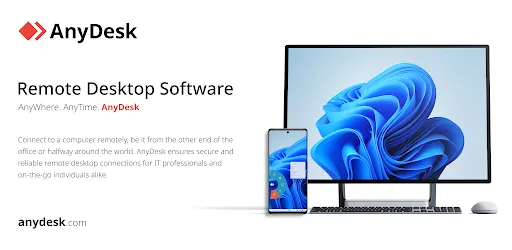

AnyDesk Remote Desktop
Last update -----
Скачать позже
Найти все материалы
Нужен мод
Нужен оригинал Пожаловаться
Overview Authors 0
Discussion 0
Secure remote desktop for all devices
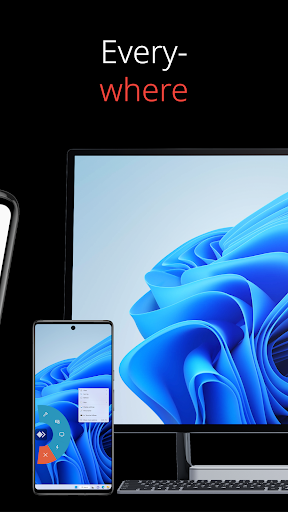
AnyDesk is a powerful remote assistance software that enables secure and reliable connections between devices, whether you're in the next room or across the globe. It is designed for both IT professionals and private users, offering a seamless remote desktop experience. The software is ad-free and free for personal use, with commercial licensing available for businesses.
With AnyDesk, you can connect to remote devices effortlessly, making it ideal for IT support, remote work, or online learning. The software includes a wide range of features such as file transfer, remote printing, Wake-On-LAN, and VPN connectivity. The VPN feature allows the creation of a private network between local and remote clients, enhancing security. Once connected via VPN, you can use SSH to access the remote device or even play LAN-multiplayer games over the internet.
AnyDesk stands out for its outstanding performance, cross-platform compatibility, and banking-standard encryption. It delivers high frame rates and low latency, ensuring a smooth and responsive experience. Whether you need cloud-based or on-premises deployment, AnyDesk has you covered. Getting started is quick and easy: simply install and launch AnyDesk on both devices, enter the AnyDesk-ID of the remote device, confirm the access request, and you're ready to control the remote device.
For more information, visit the official website or contact support. AnyDesk is committed to providing a secure, efficient, and user-friendly remote desktop solution for everyone.
With AnyDesk, you can connect to remote devices effortlessly, making it ideal for IT support, remote work, or online learning. The software includes a wide range of features such as file transfer, remote printing, Wake-On-LAN, and VPN connectivity. The VPN feature allows the creation of a private network between local and remote clients, enhancing security. Once connected via VPN, you can use SSH to access the remote device or even play LAN-multiplayer games over the internet.
AnyDesk stands out for its outstanding performance, cross-platform compatibility, and banking-standard encryption. It delivers high frame rates and low latency, ensuring a smooth and responsive experience. Whether you need cloud-based or on-premises deployment, AnyDesk has you covered. Getting started is quick and easy: simply install and launch AnyDesk on both devices, enter the AnyDesk-ID of the remote device, confirm the access request, and you're ready to control the remote device.
For more information, visit the official website or contact support. AnyDesk is committed to providing a secure, efficient, and user-friendly remote desktop solution for everyone.
Screenshots
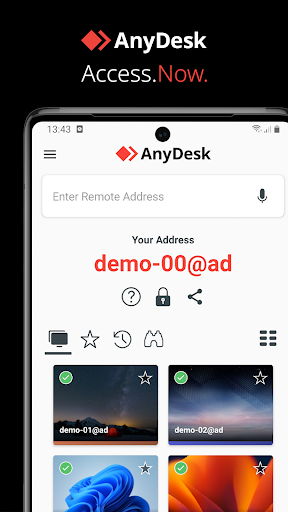
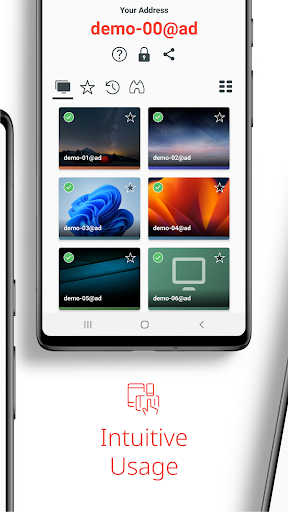
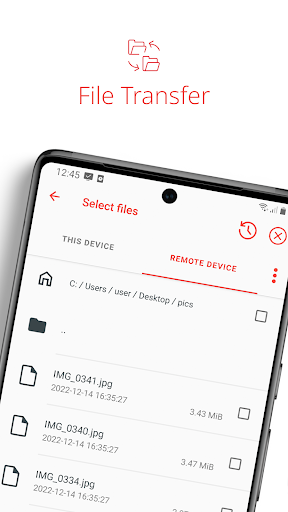

Download AnyDesk Remote Desktop
No builds here yet
No builds yet. Upload yours first and earn from every download — it's easier than you think.

PRO Modder
Bubalex88
179
Builds
20
Subscribers
6
Level

PRO webdev
Shaman[Dev]
76
Builds
12
Subscribers
3
Level

PRO Modder
SliderEXE
18
Builds
2
Subscribers
1
Level
PRO Modder
A.F
4
Builds
1
Subscribers
0
Level

User
Kgg
2
Builds
1
Subscribers
0
Level
User
user_908973
2
Builds
1
Subscribers
0
Level
User
Shiro & K
2
Builds
1
Subscribers
0
Level

Modder
XaView
1
Builds
1
Subscribers
0
Level

User
CUREseDkiD
0
Builds
0
Subscribers
0
Level
{%lang-empty-page%}
{%lang-empty-page-text%}
{%lang-empty-page-text-2%}
Tech info
Updated
-----
Version
8.5.0 (80304)
CPU
Minimum Android version
4.4W+
Size
36.75 MB
OpenGL
----
Downloads
5 516
Developer
AnyDesk Software GmbH
Views today
25