Bass Booster & Equalizer
Last update -----
Скачать позже
Найти все материалы
Нужен мод
Нужен оригинал Пожаловаться
Overview Authors 0
Discussion 1
Enhance audio with bass, volume, and equalizer
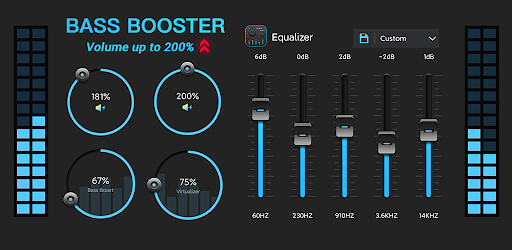
This app enhances the sound quality of your Android device with bass boost, volume boost, virtualizer, and equalizer effects. It allows you to adjust sound effect levels to get the best out of your music, audio, or video. The app works with most music and video players, providing a simple installation and usage experience.
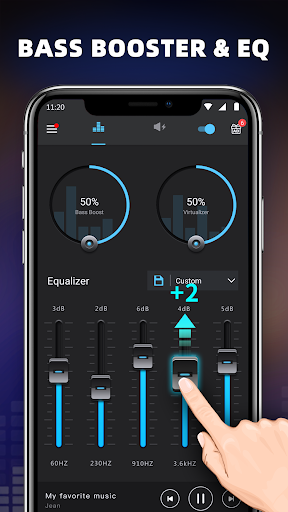
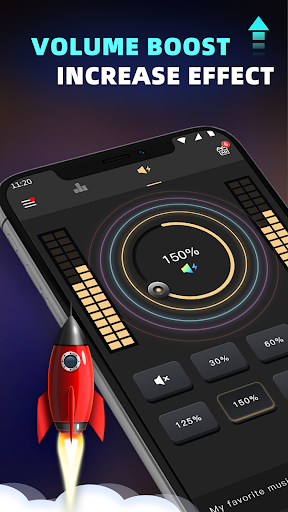
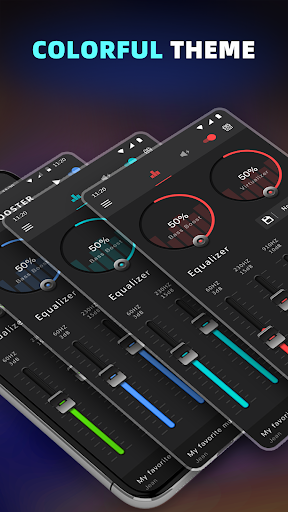
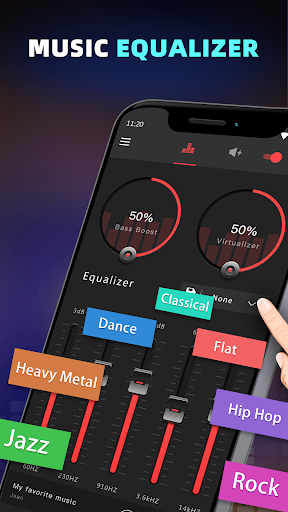
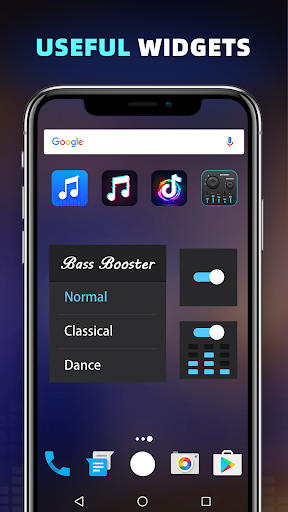
The main features include a bass boost effect, volume boost effect, stereo surround sound effect, and a five-band equalizer. It offers 10 preset equalizations such as Normal, Classic, Dance, Flat, Folk, Heavy Metal, Hip Hop, Jazz, Pop, and Rock, along with customizable presets. Additionally, there are 16 colorful themes, notification control, a cool spectrum, and three widgets in sizes 1x1, 1x1, and 2x2.
To use the app for music or audio, turn on your music player and play your music, then turn on the Bass Booster application and adjust sound level and frequency. Turn on the Volume Booster to amplify the speaker, and use headphones for better results. To close the application and remove it from the status bar, press the close button of the notification.
For video, the process is similar: adjust the sound level and frequency, control the volume, and let it run in the background. Then turn on the video player and play your video to get a better sound effect. The app is designed to be user-friendly and effective for enhancing your audio experience.
The main features include a bass boost effect, volume boost effect, stereo surround sound effect, and a five-band equalizer. It offers 10 preset equalizations such as Normal, Classic, Dance, Flat, Folk, Heavy Metal, Hip Hop, Jazz, Pop, and Rock, along with customizable presets. Additionally, there are 16 colorful themes, notification control, a cool spectrum, and three widgets in sizes 1x1, 1x1, and 2x2.
To use the app for music or audio, turn on your music player and play your music, then turn on the Bass Booster application and adjust sound level and frequency. Turn on the Volume Booster to amplify the speaker, and use headphones for better results. To close the application and remove it from the status bar, press the close button of the notification.
For video, the process is similar: adjust the sound level and frequency, control the volume, and let it run in the background. Then turn on the video player and play your video to get a better sound effect. The app is designed to be user-friendly and effective for enhancing your audio experience.
Screenshots
Download Bass Booster & Equalizer
No builds here yet
No builds yet. Upload yours first and earn from every download — it's easier than you think.

PRO Modder
Bubalex88
165
Builds
12
Subscribers
6
Level

PRO webdev
Shaman[Dev]
76
Builds
8
Subscribers
3
Level

PRO Modder
SliderEXE
13
Builds
0
Subscribers
1
Level
PRO Modder
A.F
4
Builds
0
Subscribers
0
Level

Modder
XaView
1
Builds
0
Subscribers
0
Level

User
JoelDroid
2
Builds
0
Subscribers
0
Level
User
user_908973
2
Builds
0
Subscribers
0
Level
User
Shiro & K
1
Builds
0
Subscribers
0
Level
Tech info
Updated
-----
Version
1.9.9 (75)
CPU
Minimum Android version
20
Size
18.99 MB
OpenGL
----
Downloads
23.66 K
Developer
Coocent
Views today
2