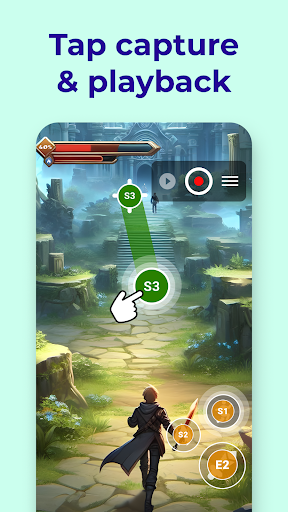
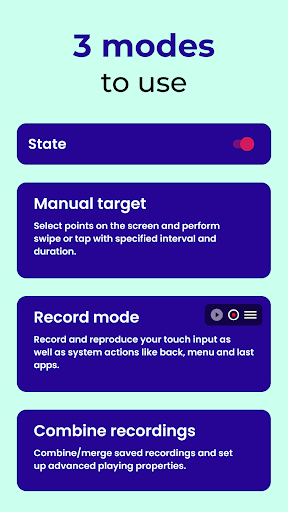
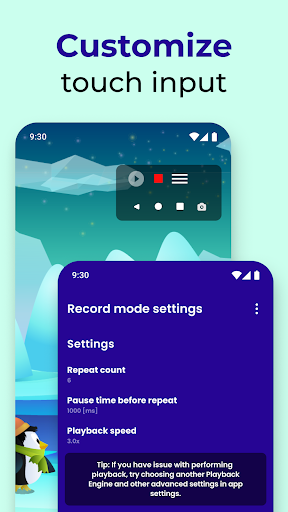
Auto Clicker Assistant is a versatile automation tool that simplifies repetitive touch tasks on your Android device. It offers three distinct modes to suit various needs: Record Mode, Combination Mode, and Manual Mode. With Record Mode, you can capture your touch inputs, including system actions like back, menu, and screenshots, without requiring root access. The app then reproduces these actions accurately.
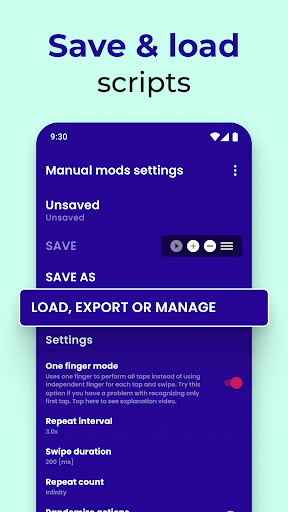
Combination Mode allows you to link multiple recordings together, creating complex sequences with customizable speed, delays, and repetitions. This is ideal for automating multi-step processes in apps or games. Manual Mode gives you precise control, letting you select specific points on the screen and define actions such as tap or swipe. This mode is perfect for tasks that require exact timing and positioning.
The app is particularly useful for gamers, especially those playing titles like Roblox Mobile, where repetitive tapping can be tedious. It also integrates with automation platforms like Tasker and MacroDroid, enabling you to create advanced automation flows. The app uses the Accessibility Service API to perform touch gestures, navigation actions, and screenshots, ensuring seamless operation.
All data captured by the app stays locally on your device unless you choose to export it. The app does not share any information with third parties, prioritizing your privacy and security. Whether you're looking to enhance productivity or optimize gameplay, Auto Clicker Assistant provides a reliable and efficient solution for all your automation needs.
Screenshots
Download Clickmate - Auto Clicker Macro
No builds here yet
No builds yet. Upload yours first and earn from every download — it's easier than you think.