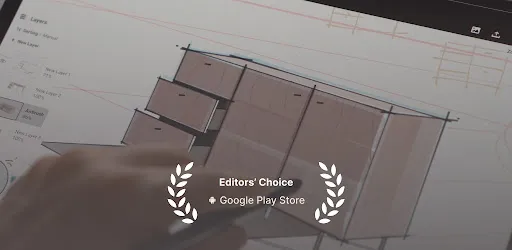
Concepts is a flexible vector-based creative workspace and sketchpad that lets you take ideas from concept to reality. It reimagines the ideation stage, offering a safe and dynamic space to explore ideas, organize thoughts, and experiment with designs before sharing them with friends, clients, or other apps.
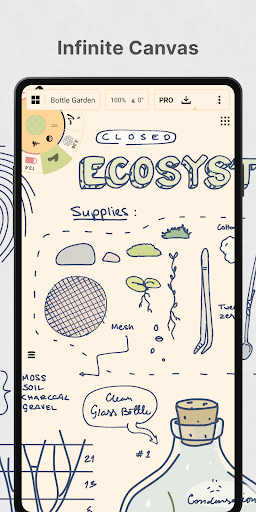
The app features an infinite canvas where you can sketch plans, whiteboard ideas, make notes, doodles, and mindmaps, or draw storyboards, product sketches, and designs. Because Concepts is vector-based, every stroke remains editable and scalable. Tools like Nudge, Slice, and Select allow you to change any element without redrawing. It is optimized for the latest pen-enabled devices and Chrome OS, ensuring fast, smooth, and responsive performance.
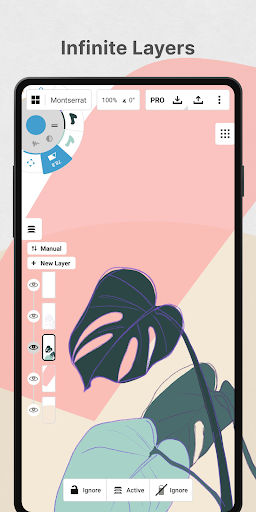
Concepts provides realistic pencils, pens, and brushes that respond to pressure, tilt, and velocity with adjustable live smoothing. You can choose from many paper types and custom grids, customize a tool wheel or bar with favorite tools and presets, and use an infinite layering system with automatic sorting and adjustable opacity. Color wheels including HSL, RGB, and COPIC help you pick colors that look great together.
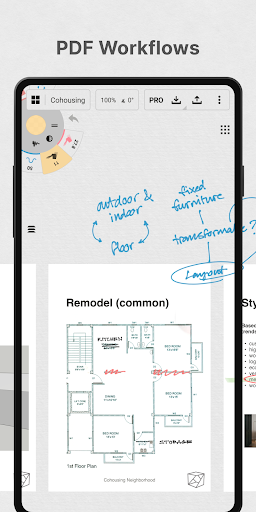
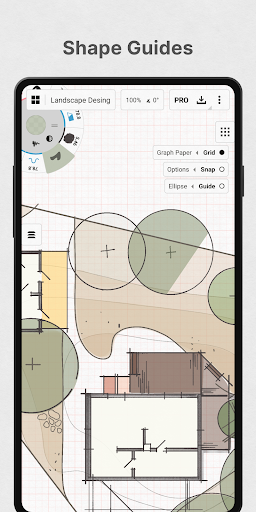
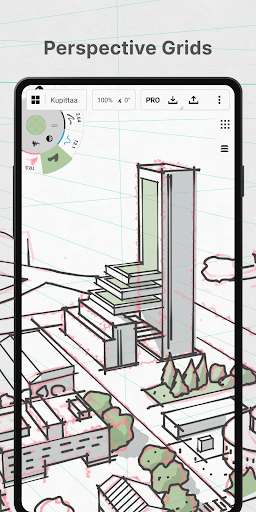
With Concepts, you can draw with precision using shape guides, live snap, and measurement, personalize your canvas and gestures, duplicate work for easy iterations, drag and drop images as references or for tracing, and export images, PDFs, and vectors for printing or feedback. Talented creators at Disney, Playstation, Philips, HP, Apple, Google, Unity, and Illumination Entertainment use Concepts to develop extraordinary ideas.
Screenshots
Download Concepts: Sketch, Note, Draw
No builds here yet
No builds yet. Upload yours first and earn from every download — it's easier than you think.