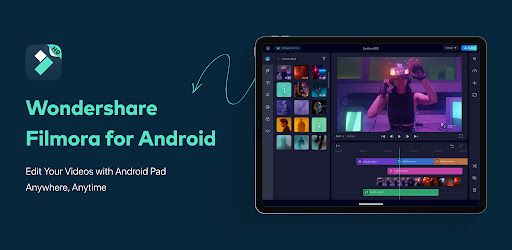

FilmoraHD - AI Video Creator
Last update -----
Скачать позже
Найти все материалы
Нужен мод
Нужен оригинал Пожаловаться
Overview Authors 0
Discussion 0
AI-powered video editing made easy
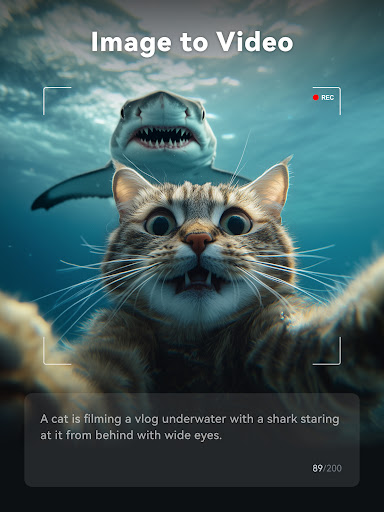
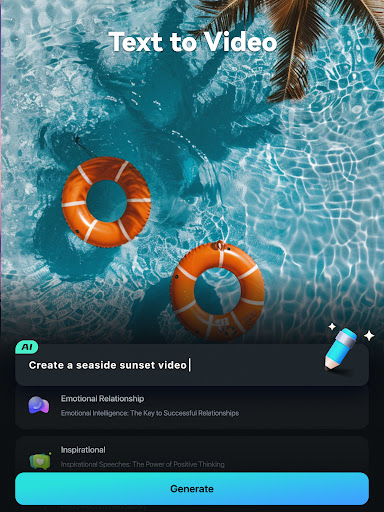
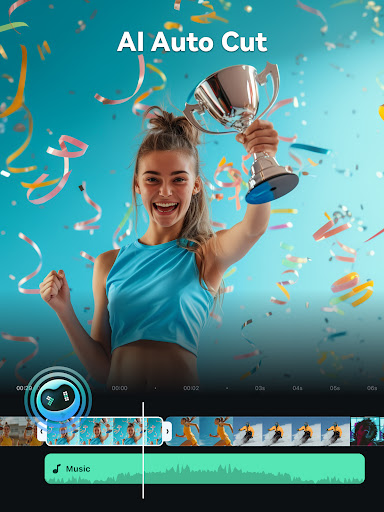
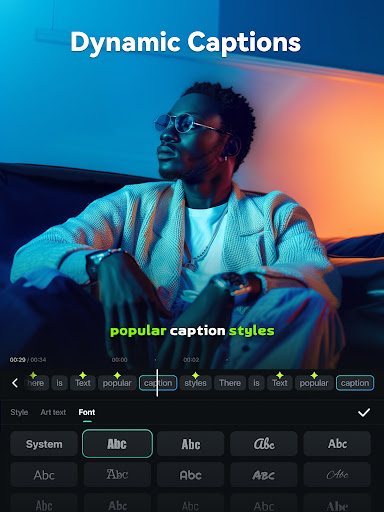
Filmora AI Video Editor is a powerful tool that leverages artificial intelligence to simplify video creation. It offers a suite of AI-driven features such as AI Auto Cut, which automatically stitches highlight moments into cinematic tales, AI Remover for erasing unwanted elements, and Dynamic Captions that convert speech to text in dynamic word-by-word captions. Additionally, Text to Video generates videos from prompts, AI Voice Cloning replicates your voice for voiceovers, and Text to Speech transforms text into professional voiceovers. The app also includes AI Music & Sound Effects, AI Video Effects like AI Show and Infinite Zoom, AI Smart Cutout for background removal, and Rhythm Master for automatic beat-matching.
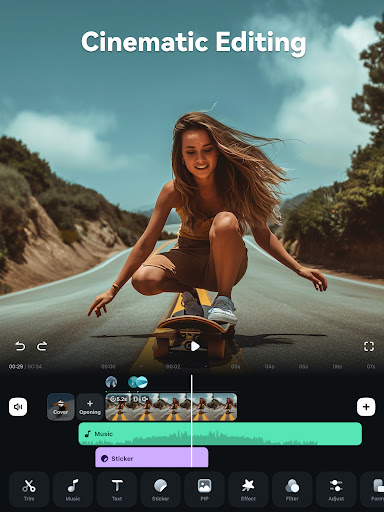
For beginners, Filmora provides user-friendly editing tools. You can trim, split, duplicate, or merge clips without quality loss, add text, emoji, and stickers, incorporate music and sound effects from a royalty-free library, extract audio, rotate or crop videos, adjust aspect ratios for social media, and change speed for slow or fast motion. Stunning templates enable one-click video creation.
Professionals will appreciate advanced features like all-in-one keyframes, speed curves, picture-in-picture, masking, and smart tracking. These tools allow for precise control and creative flexibility, making it easy to produce high-quality videos with complex effects.
Filmora offers subscription options: Filmora Pro provides unlimited access to all features and paid materials, removing watermarks and logos. Android Pro covers all Pro features on Android, while All Platform Pro extends access to Android, iOS, Mac, and Windows. Subscriptions can be managed and auto-renewal turned off in Account Settings. Any unused free trial portion is forfeited upon subscription purchase. For support, contact service@wondershare.com or follow on social media.
For beginners, Filmora provides user-friendly editing tools. You can trim, split, duplicate, or merge clips without quality loss, add text, emoji, and stickers, incorporate music and sound effects from a royalty-free library, extract audio, rotate or crop videos, adjust aspect ratios for social media, and change speed for slow or fast motion. Stunning templates enable one-click video creation.
Professionals will appreciate advanced features like all-in-one keyframes, speed curves, picture-in-picture, masking, and smart tracking. These tools allow for precise control and creative flexibility, making it easy to produce high-quality videos with complex effects.
Filmora offers subscription options: Filmora Pro provides unlimited access to all features and paid materials, removing watermarks and logos. Android Pro covers all Pro features on Android, while All Platform Pro extends access to Android, iOS, Mac, and Windows. Subscriptions can be managed and auto-renewal turned off in Account Settings. Any unused free trial portion is forfeited upon subscription purchase. For support, contact service@wondershare.com or follow on social media.
Screenshots
Download FilmoraHD - AI Video Creator
No builds here yet
No builds yet. Upload yours first and earn from every download — it's easier than you think.

PRO Modder
Bubalex88
165
Builds
11
Subscribers
6
Level

PRO webdev
Shaman[Dev]
77
Builds
8
Subscribers
3
Level

PRO Modder
SliderEXE
13
Builds
0
Subscribers
1
Level
PRO Modder
A.F
4
Builds
0
Subscribers
0
Level

Modder
XaView
1
Builds
0
Subscribers
0
Level

User
JoelDroid
2
Builds
0
Subscribers
0
Level
User
user_908973
2
Builds
0
Subscribers
0
Level
User
Shiro & K
1
Builds
0
Subscribers
0
Level
{%lang-empty-page%}
{%lang-empty-page-text%}
{%lang-empty-page-text-2%}
Tech info
Updated
-----
Version
13.8.71 (213871)
CPU
Minimum Android version
0
Size
187.34 MB
OpenGL
----
Downloads
59
Developer
Shenzhen Wondershare Software Co., Ltd.
Views today
6