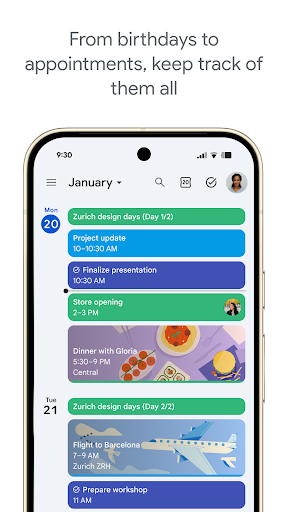
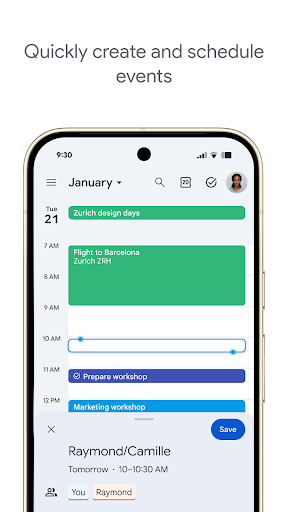
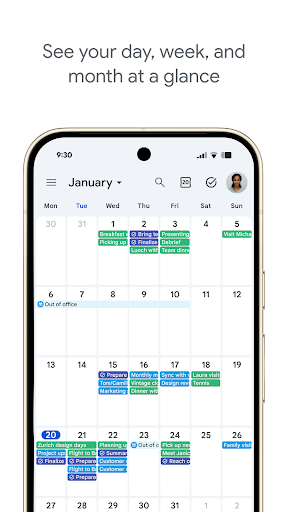
Stay organized and plan your day effectively with a versatile calendar app that brings all your scheduling needs into one place. Create events effortlessly, manage multiple calendars, and switch between day, week, and month views to suit your preference. The app also supports customizable widgets and task management, allowing you to keep track of your to-dos alongside your appointments.
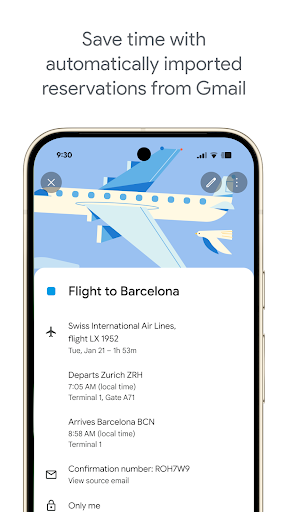
The app integrates seamlessly with your Gmail account, automatically adding reservations for flights, hotels, concerts, and restaurants to your calendar. Sync your data across your Android phone, tablet, Wear OS device, and computer when logged into the same Google account, ensuring you never miss an update. You can also view events from other calendar services, including Exchange, side-by-side for a consolidated overview.
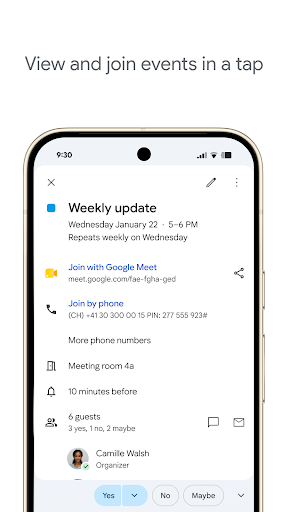
Collaboration is made simple with shared calendars that let family, friends, and colleagues view, add, or modify events. Schedule meetings by checking availability or layering calendars in a single view, and attach notes, pre-read materials, or documents directly to events. For hybrid work, add Google Meet video calls to events and use professional booking pages to manage client appointments. Personalize your experience with light or dark mode and color-coded events, while staying productive on the go with Wear OS support.
Backed by Google's enterprise-level privacy and security, this calendar app is part of Google Workspace, enabling you and your team to connect, create, and collaborate across all your favorite Google tools. Whether for personal use or professional coordination, it provides a reliable and intuitive solution to manage your time efficiently.
Screenshots
Download Google Calendar
No builds here yet
No builds yet. Upload yours first and earn from every download — it's easier than you think.