Lower Brightness Pro
Last update -----
Скачать позже
Найти все материалы
Нужен мод
Нужен оригинал Пожаловаться
Overview Authors 0
Discussion 0
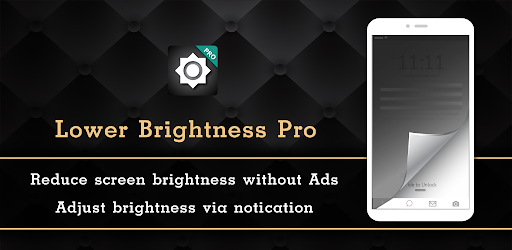
Reduce screen brightness below minimum
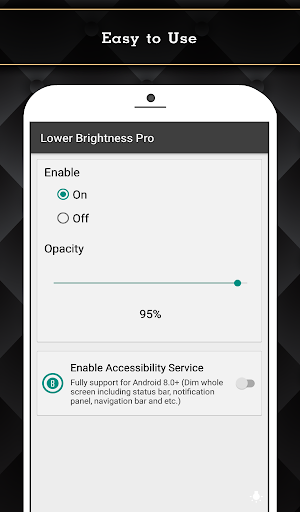
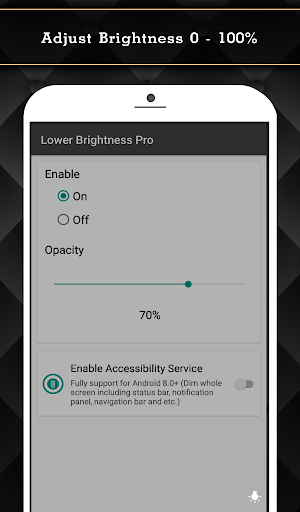
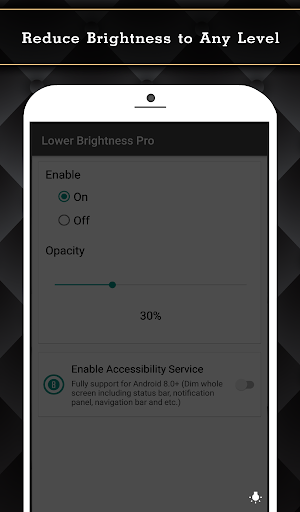
Lower Brightness is an app that helps you reduce your screen brightness to any level, even below the system minimum. If you've ever set your brightness to the lowest and still found it too bright, this app is for you. With a simple interface, you can easily set the brightness percentage from 0% to 100% to suit your preference.
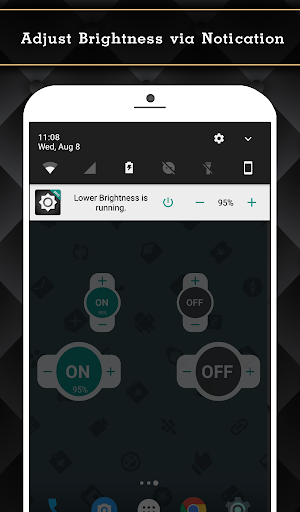
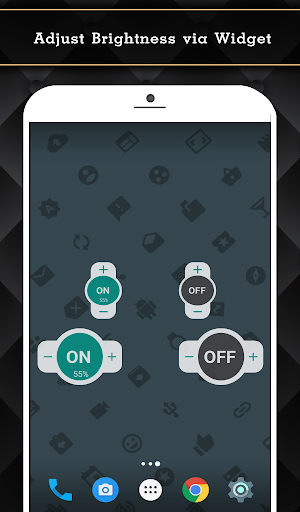
The app offers several useful features. It can automatically start after reboot, so you don't have to worry about enabling it each time. It's also small in size and supports devices with navigation bars. For Android 6.0 and above, it will ask for necessary permissions. The Pro version includes additional benefits: it's ad-free, allows you to control brightness via notification, provides a home screen widget, fully supports Android 8.0+ (dimming the entire screen including status bar, notification panel, and navigation bar), and offers Quick Setting Tiles for Android 7.0+.
To function properly, Lower Brightness Pro requires accessibility service permission. This permission is used solely to dim the entire screen, including the status bar, notification panel, and navigation bar. The app does not read sensitive data or any content on your screen, and it does not collect or share data from the accessibility service with third parties. If you disable the accessibility service, the main features will not work.
The app offers several useful features. It can automatically start after reboot, so you don't have to worry about enabling it each time. It's also small in size and supports devices with navigation bars. For Android 6.0 and above, it will ask for necessary permissions. The Pro version includes additional benefits: it's ad-free, allows you to control brightness via notification, provides a home screen widget, fully supports Android 8.0+ (dimming the entire screen including status bar, notification panel, and navigation bar), and offers Quick Setting Tiles for Android 7.0+.
To function properly, Lower Brightness Pro requires accessibility service permission. This permission is used solely to dim the entire screen, including the status bar, notification panel, and navigation bar. The app does not read sensitive data or any content on your screen, and it does not collect or share data from the accessibility service with third parties. If you disable the accessibility service, the main features will not work.
Screenshots
Download Lower Brightness Pro
No builds here yet
No builds yet. Upload yours first and earn from every download — it's easier than you think.

PRO Modder
Bubalex88
168
Builds
13
Subscribers
6
Level

PRO webdev
Shaman[Dev]
76
Builds
8
Subscribers
3
Level

PRO Modder
SliderEXE
13
Builds
0
Subscribers
1
Level
PRO Modder
A.F
4
Builds
0
Subscribers
0
Level

Modder
XaView
1
Builds
0
Subscribers
0
Level

User
JoelDroid
2
Builds
0
Subscribers
0
Level
User
user_908973
2
Builds
0
Subscribers
0
Level
User
Shiro & K
1
Builds
0
Subscribers
0
Level
{%lang-empty-page%}
{%lang-empty-page-text%}
{%lang-empty-page-text-2%}
Tech info
Updated
-----
Version
Varies with device (0)
CPU
Minimum Android version
20
Size
0 Байт
OpenGL
----
Downloads
17.1 K
Developer
Wormhole Space
Views today
2