Simple, intuitive launcher with smart organization
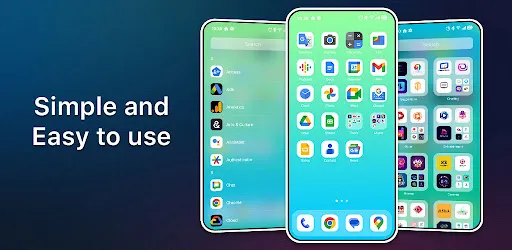
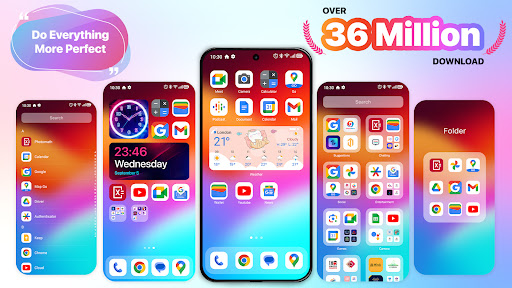
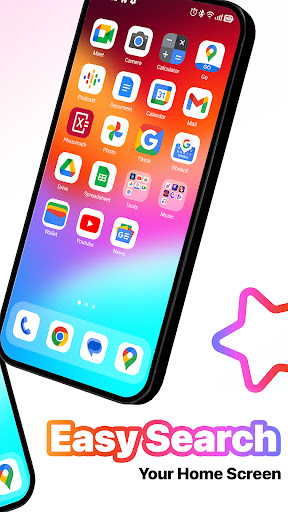
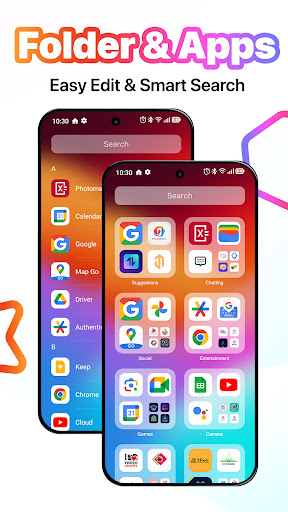
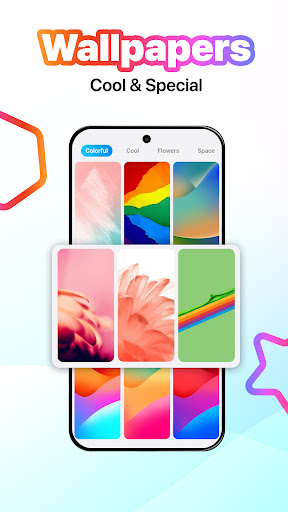
MiniPhone Launcher offers a clean and intuitive interface that prioritizes ease of use. The home screen features a customizable grid of app icons, allowing you to arrange and move them as you like. You can group apps into folders for better organization, and the App List automatically categorizes all your apps into Social, Productivity, Entertainment, and more. Access the App List by swiping to the last page of the home screen, and enjoy quick search and opening of apps without manual sorting. The launcher also provides a rich ecosystem of themes, wallpapers, widgets, and tools to personalize your device.
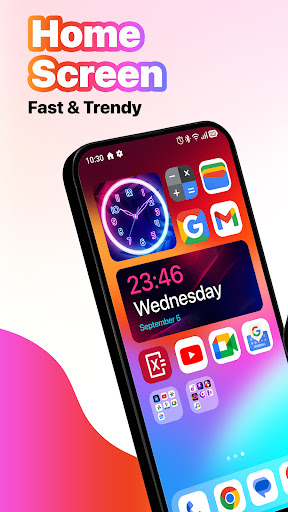
The bottom dock holds your most frequently used apps like Phone, Messages, browser, and Music, but you can easily change them to suit your needs. The status bar at the top displays time, battery, signal, and Wi-Fi information at a glance. For quick access to settings, swipe from the upper right corner to open the quick settings panel, where you can toggle Wi-Fi, Bluetooth, airplane mode, flashlight, and adjust volume and brightness. Notifications from messages, emails, and missed calls are neatly organized by date and app, and you can view them by swiping down from the top or middle of the screen.
App Search is accessible by swiping down from the middle of the home screen, letting you quickly find apps, contacts, maps, and web information. Widgets provide summary information without opening apps, and you can add, move, and resize them on the home screen or in the Widget Library. Multitasking is made easy with the X Home Bar: swipe up from the bottom to switch between open apps, go home, or perform a back action. Dark Mode reduces eye strain and saves battery in low light conditions.
MiniPhone Launcher is designed with the user in mind, offering a beautiful and convenient experience with just a few simple operations. The launcher combines functionality, stability, and aesthetics, making it a great choice for anyone seeking a smooth and efficient Android launcher. Note: This app requires Accessibility Services for the recent apps dialog, Back function in the X Home Bar, and Touch actions, as well as Query All Packages permission. Thank you for using Phone Launcher; we're always happy to help.
Screenshots
Download MiniPhone Launcher 26: Cool OS
No builds here yet
No builds yet. Upload yours first and earn from every download — it's easier than you think.