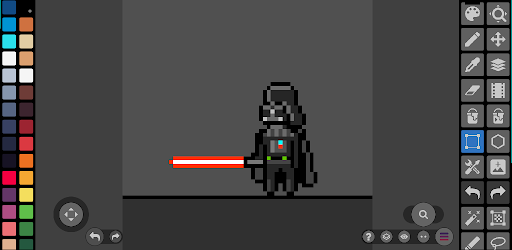
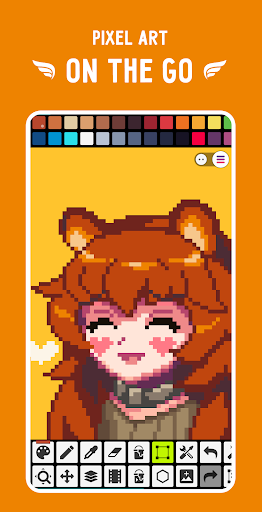
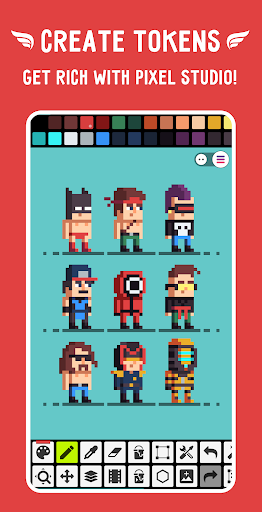
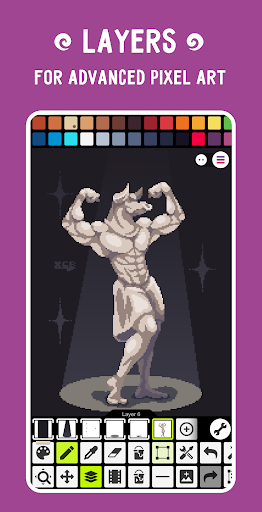
Pixel Studio is a powerful yet intuitive pixel art editor designed for artists and game developers alike. Whether you are just starting or have years of experience, this tool provides everything needed to create stunning pixel art on the go. With support for layers, frame-by-frame animation, and a vast array of brushes and tools, you can bring your creative visions to life. The interface is clean and user-friendly, ensuring a smooth workflow from concept to finished piece.
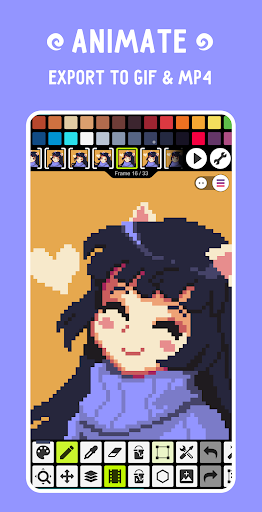
Beyond basic editing, Pixel Studio offers advanced features such as onion skinning for animation, symmetry drawing, and a variety of export options including GIF, sprite sheets, and MP4 videos with music. You can sync your projects across devices using Google Drive, making it easy to switch between mobile and desktop. The app also supports popular formats like PNG, JPG, PSD, and even Aseprite files for import, ensuring compatibility with your existing assets.
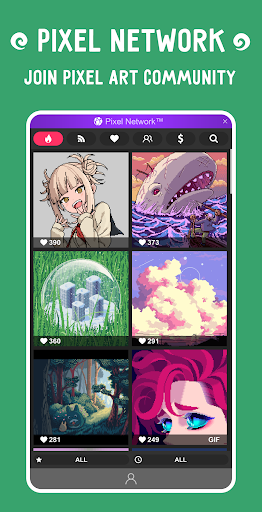
For those looking to expand their creative horizons, Pixel Studio includes a community platform called Pixel Network, where you can share your work and discover art from others. Additionally, you can create custom palettes, use built-in ones, or download from Lospec. The app is optimized for performance, with features like autosave and backup to protect your work. With over five million downloads and translations in more than 25 languages, Pixel Studio is a trusted choice for pixel artists worldwide.
For an enhanced experience, consider upgrading to PRO, which removes ads, enables Google Drive sync, offers a dark theme, and unlocks additional formats and tools. Whether you are creating game assets, animations, or digital art, Pixel Studio provides the flexibility and power to turn your ideas into reality. Try it today and discover why it is a favorite among pixel art enthusiasts.
Screenshots
Download Pixel Studio: pixel art editor
No builds here yet
No builds yet. Upload yours first and earn from every download — it's easier than you think.