
Squid: Take Notes, Markup PDFs
Last update -----
Скачать позже
Найти все материалы
Нужен мод
Нужен оригинал Пожаловаться
Overview Authors 0
Discussion 0
Handwritten notes on Android devices
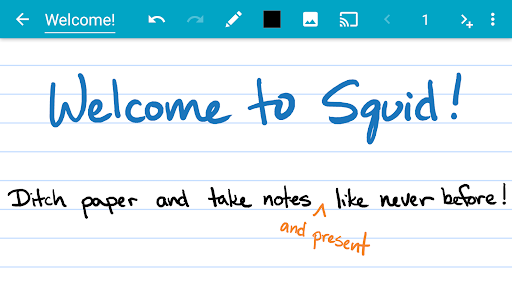
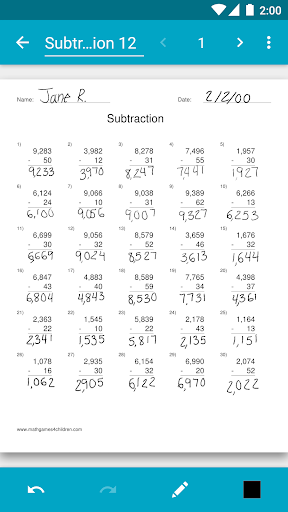
Squid is a popular note-taking app that has been trusted by over 12 million users for more than 12 years. It allows you to write naturally on your Android tablet, phone, or Chromebook, just like you would on paper. With Squid, you can replace paper notebooks, save money, and reduce waste while enjoying a seamless digital writing experience.
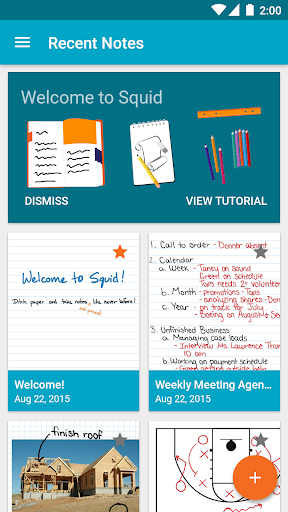
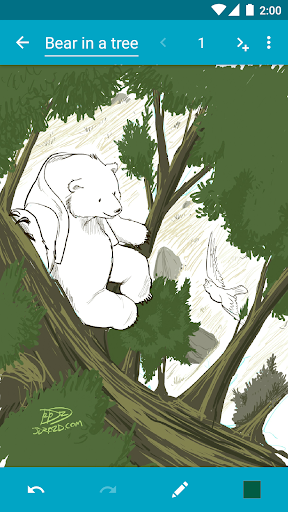
The app offers a wide range of features to enhance your note-taking. You can write with a pen and erase with your finger on active pen enabled devices, or use your finger or capacitive stylus on other devices. Squid supports low latency ink for a responsive feel, and notes are stored privately on your device without requiring an account. You can annotate PDFs, import images, draw shapes, add typed text, and organize your notes into folders. Export your notes as PDFs or images, and even use your device as a virtual whiteboard for presentations.
Squid has received recognition, including being featured as an Editors' Choice on Google Play. The premium version offers additional tools like highlighter, true eraser, and premium paper backgrounds, as well as backup and bulk export options. Whether you're a student, professional, or artist, Squid provides a versatile and eco-friendly solution for all your note-taking needs.
With its intuitive interface and powerful features, Squid helps you increase productivity and unleash your creativity. Try Squid for free today and transform your note-taking experience.
The app offers a wide range of features to enhance your note-taking. You can write with a pen and erase with your finger on active pen enabled devices, or use your finger or capacitive stylus on other devices. Squid supports low latency ink for a responsive feel, and notes are stored privately on your device without requiring an account. You can annotate PDFs, import images, draw shapes, add typed text, and organize your notes into folders. Export your notes as PDFs or images, and even use your device as a virtual whiteboard for presentations.
Squid has received recognition, including being featured as an Editors' Choice on Google Play. The premium version offers additional tools like highlighter, true eraser, and premium paper backgrounds, as well as backup and bulk export options. Whether you're a student, professional, or artist, Squid provides a versatile and eco-friendly solution for all your note-taking needs.
With its intuitive interface and powerful features, Squid helps you increase productivity and unleash your creativity. Try Squid for free today and transform your note-taking experience.
Screenshots

Download Squid: Take Notes, Markup PDFs
No builds here yet
No builds yet. Upload yours first and earn from every download — it's easier than you think.

PRO Modder
Bubalex88
168
Builds
13
Subscribers
6
Level

PRO webdev
Shaman[Dev]
76
Builds
8
Subscribers
3
Level

PRO Modder
SliderEXE
13
Builds
0
Subscribers
1
Level
PRO Modder
A.F
4
Builds
0
Subscribers
0
Level

Modder
XaView
1
Builds
0
Subscribers
0
Level

User
JoelDroid
2
Builds
0
Subscribers
0
Level
User
user_908973
2
Builds
0
Subscribers
0
Level
User
Shiro & K
1
Builds
0
Subscribers
0
Level
{%lang-empty-page%}
{%lang-empty-page-text%}
{%lang-empty-page-text-2%}
Tech info
Updated
-----
Version
Varies with device (4005003)
CPU
Minimum Android version
21
Size
22.13 MB
OpenGL
----
Downloads
19
Developer
Steadfast Innovation, LLC
Views today
4